CREATE & MINT WITH YOUR AI AGENT
Describe your idea, generate up to 10 images per wallet, then confirm securely with Binance Agentic Wallet.
- 1Generate
- 2Select
- 3Wallet approval
CREATE WITH YOUR AGENT
Choose a quantity and send the instruction to your AI. It turns your chat preferences or supplied character image into artwork, then asks you to approve the mint.
Add appearance details (optional)
Preview the instruction
Your Agent needs the Binance wallet skill and BSTAR MCP or HTTPS tools. Generation uses no wallet gas; it checks fees and asks you to approve each mint.
Copied instructions use the production site. Deploy the new Skill before asking your Agent to read it.
See an Agent conversation
YOUR TASTE. YOUR STAR.
Create through your AI Agent
 Review the art. Then approve the mint.
DESCRIBE IN BSTAR
You can also generate directly on the site.
4–180 characters. BSTAR selects a collection reference style.
Connect your Agent wallet to see images remaining.
Generation uses no wallet gas; each mint costs 0.005 BNB plus gas.
Checking generation service…
Teach your Agent BSTAR in 3 steps
- Import the BSTAR Skill into your Agent if it supports Skills; otherwise let it read the public Skill link below.
- Connect the BSTAR MCP tool, verify bstar_get_config, then connect Binance Agentic Wallet.
- Send it the creation request above. If chat cannot display the image, open its HTTPS preview link or refresh the artwork here.
The Skill gives instructions; MCP connects tools. Claude, DeepSeek, GPT and other models can work when their Agent app supports the tools. A prompt alone cannot install them.
SELECT YOUR ART
Choose the character you want to mint.
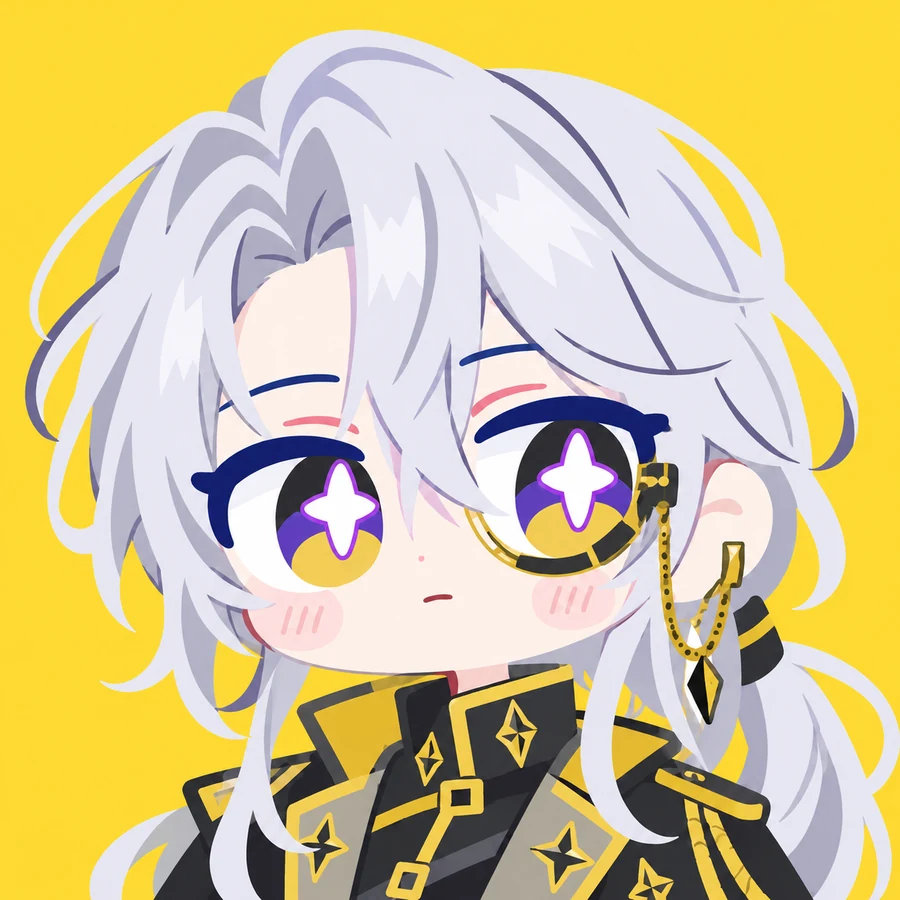
Connect and generate to place your artwork here.

Original collection examples are shown above; your generated work appears in the artwork slots.
Minted works
Only NFTs verified on-chain by BSTAR appear here.
Loading verified works…
Create my star